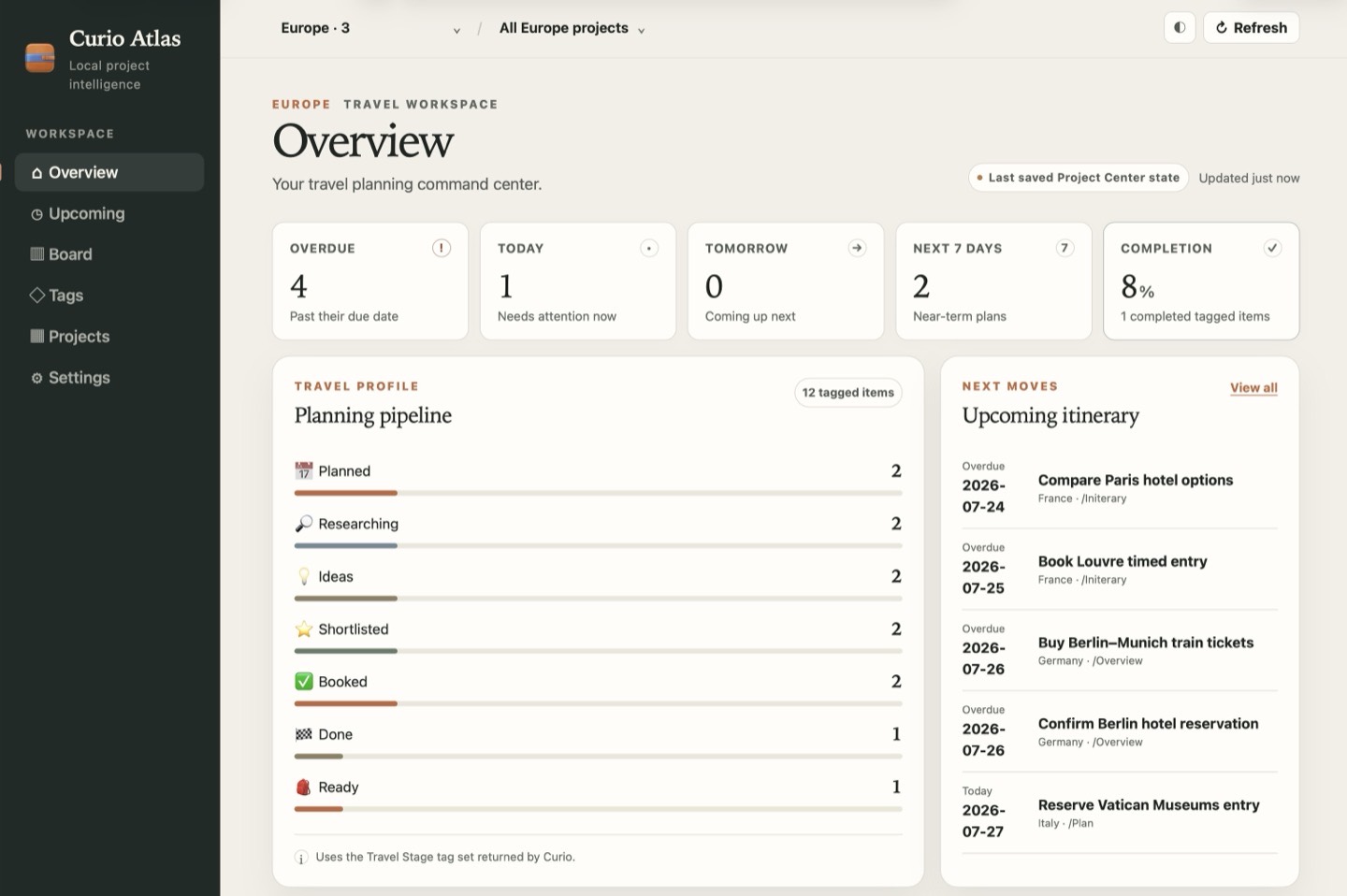
curio …
Running app
Communicates with Curio for the complete command set, including read/write operations and access to the current selection.
Automation for Curio
Bring your Curio projects to Terminal, scripts, automations, and AI agents.
The separately downloaded curio command-line tool can query, read, update, import, export, and navigate content throughout your projects.
Or install it directly in Curio via Curio > Install Curio CLI.
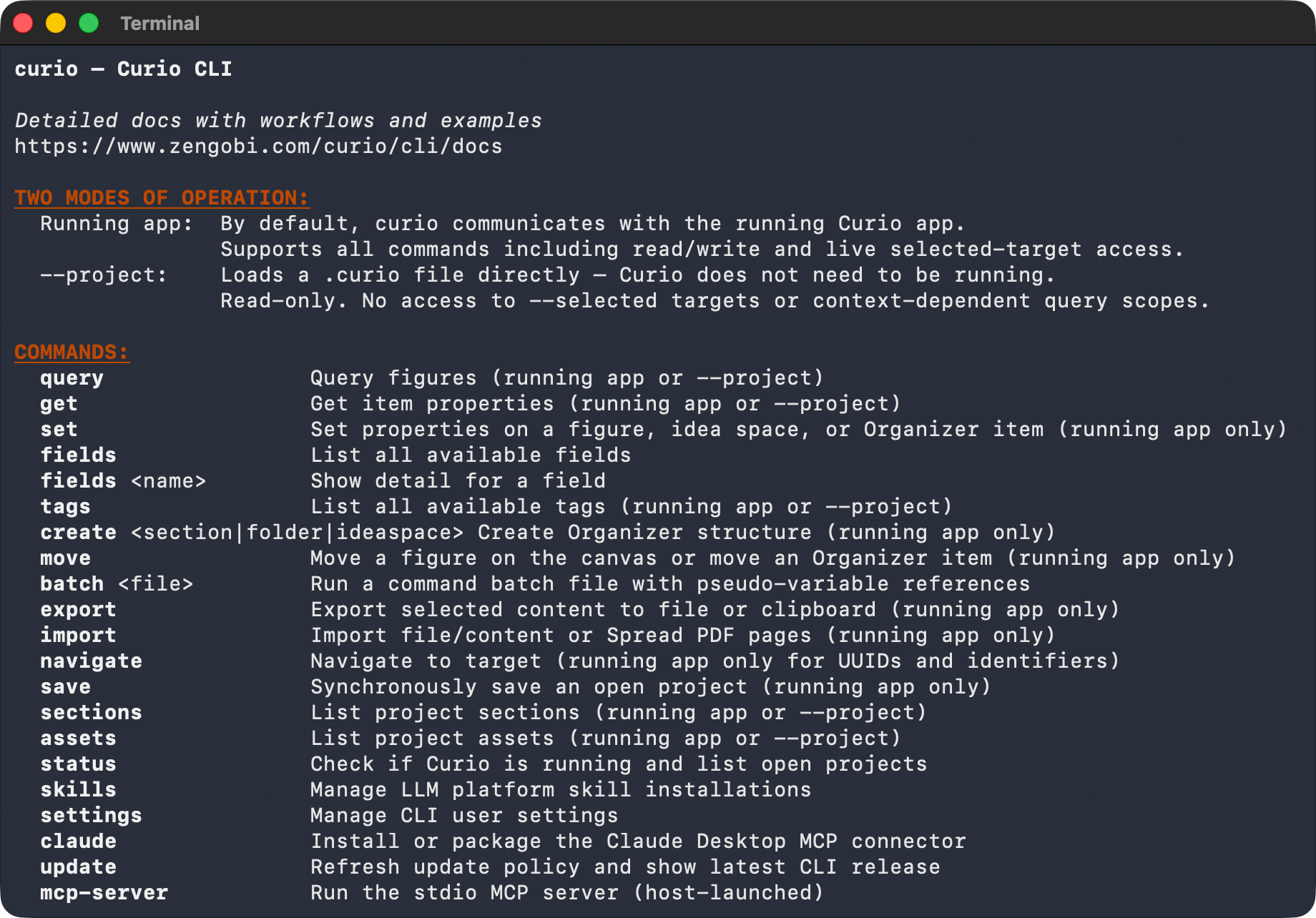
Overview
The curio command gives you a second way into your projects. Anything you would normally do by clicking around a project—finding figures, reading and changing their content, filing them into Organizer sections, bringing content in and sending it back out—you can also do with a command, from a script, or through an AI agent:
Results print as readable text for people, or as JSON with meaningful exit codes for scripts and agents.
For AI, the CLI ships bundled skill files that teach command line agents such as Codex and Claude Code how to drive the curio command, plus a built-in MCP server so MCP hosts such as ChatGPT Desktop, Claude Desktop, and Antigravity can work with your Curio data directly.
Start here
Flexible by design
Choose live, selection-aware access or inspect a project directly from disk.
curio …
Communicates with Curio for the complete command set, including read/write operations and access to the current selection.
curio --project …
Reads a .curio project from disk without launching Curio—ideal for safe, read-only automation and analysis.